One week, four upgrades
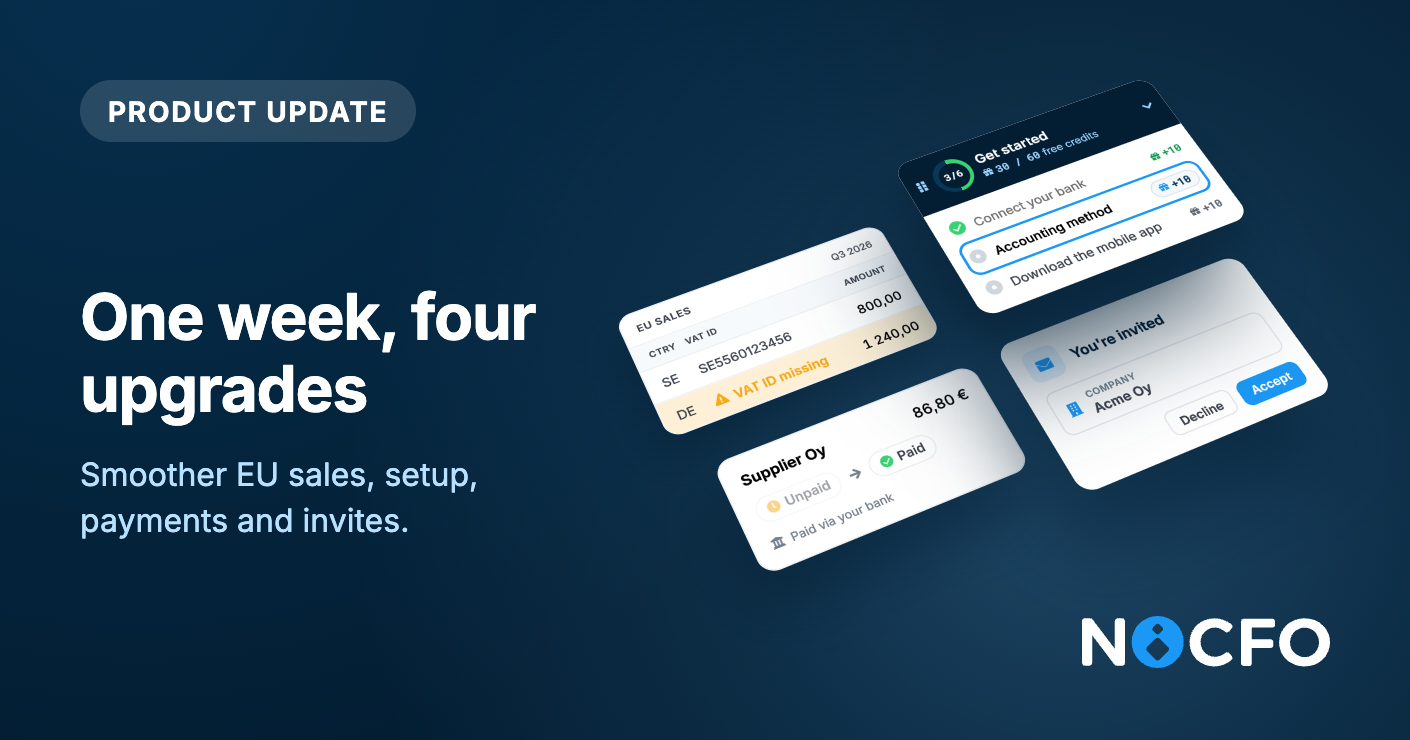
Safer EU sales, smoother setup, payments and invites.
Four everyday things work better now: EU sales that warn you about missing VAT details, a Get started that stays with you, purchase invoice payments you can rely on, and invitations that lead straight to sign-up.
EU sales now warn you about missing VAT details
When you sell goods or services to a business in another EU country, your recapitulative statement needs the buyer and their VAT ID. NoCFO keeps an eye on both and warns you as soon as an EU sale is missing the buyer or the buyer's VAT ID:
On the form, the buyer field is highlighted, and a link takes you to the contact where you can add the VAT ID.
When you accept the posting, NoCFO asks you to confirm. You can still save, so your bookkeeping never waits.
In the list and on the event itself, a warning shows which sales need attention.
The EU sales report lists every EU sale, including those without a buyer, and marks what is missing on each row. It tells you how many rows still need attention, because the statement can't be filed until every row has a buyer and a VAT ID.
When a period has EU sales, the VAT report reminds you that a separate recapitulative statement is required. The VAT period page has a step where you can mark the statement as filed, and the deadline shows on your dashboard. NoCFO does not submit the statement for you: you file it with the tax authority yourself.
A Get started that stays with you
Setup no longer lives on its own page. Get started now sits on screen while you work. You can drag it anywhere, collapse it, and pick up the next step when you have a moment.
The steps cover what makes NoCFO useful from day one:
Connect your bank
Tell us where you heard about NoCFO
Choose your accounting method: accrual or cash, with a clear example of when a sale is recorded under each
Add files and set up e-invoicing
Download the mobile app
Get to know Luca
Every step you complete earns free Luca credits. When everything is done, you see how many credits you collected.
Purchase invoice payments you can rely on
We've made several fixes behind the scenes to make bank payments more dependable. Paying a purchase invoice from NoCFO now goes through more reliably than before, and your invoice shows as paid once the bank has processed the payment.
Invitations that land on their own page
An invitation link now opens a dedicated page. It shows who invited you and which company you are joining, then guides you to the right next step:
New to NoCFO? Create an account with the invited email address.
Already have an account? Sign in and accept.
Not for you? Decline the invitation from the same page.
No more landing on a login screen wondering what to do. If you invite people to your business, they now find their way in without asking you.
Also shipped this week
Document filters include suggestions. Documents with a pending accounting suggestion now show up when you filter.
Contact details in automation rules. When a suggestion creates a contact, its details carry into the automation rule you are offered.
Zero-balance rows in reports. Rows with a zero balance now display correctly.
Plus many more bug fixes and small improvements.