Changelog

Follow new updates and improvements to NoCFO.

September 1st, 2026

New

Improved

Open Reporting → Reports and the figures load on the page. Add period columns, turn on comparison, and click from a heading down to the account and the voucher. Keep the tab open while you bookkeep in another window. Rhe report stays in sync.

You can still Export a PDF or CSV with the same periods, columns, comparison, and tags you see on screen.

See the numbers, then go deeper

Pick a report from the toolbar:

  • Balance sheet

  • Income statement

  • General ledger

  • Journal

  • VAT report

  • VAT EU Recapitulative Statement (when you are VAT liable)

Expand all and Collapse all open or close the whole tree. Filter by tags when you want a slice of the books.

Click a heading to open it. Click an account to see the entries behind the figure: date, voucher, description, debit, credit, and balance. Open the document from there without leaving the report.

  • General ledger: click an account for its entries in the selected period, including opening and closing balance.

  • Journal: click a voucher to see its posting lines.

  • VAT report: open a return line to see the entries it is built from.

Period columns and comparison

On the balance sheet and income statement, each period is its own column. You can have up to four.

From a column header you can:

  • Pick a period (this month, previous month, current or previous accounting period, this year, previous year, all history, or Custom)

  • Insert column before or Insert column after

  • Rename column

  • Remove column

Turn on Show comparison when you have two or three period columns. Compare as Amount or Percent. A Change column sits next to the periods.

The best part? It’s live while you book!

Keep Reports open in one window and bookkeep in another. When a document changes, the report refreshes on its own.

Luca can sit with the report too. Prompt chips on the toolbar are starting points — for example “Why is profit up on last year?” or “Summarise the balance sheet.”

When you need a file, use Export: PDF or CSV.

Open Reports →

August 20th, 2026

Improved

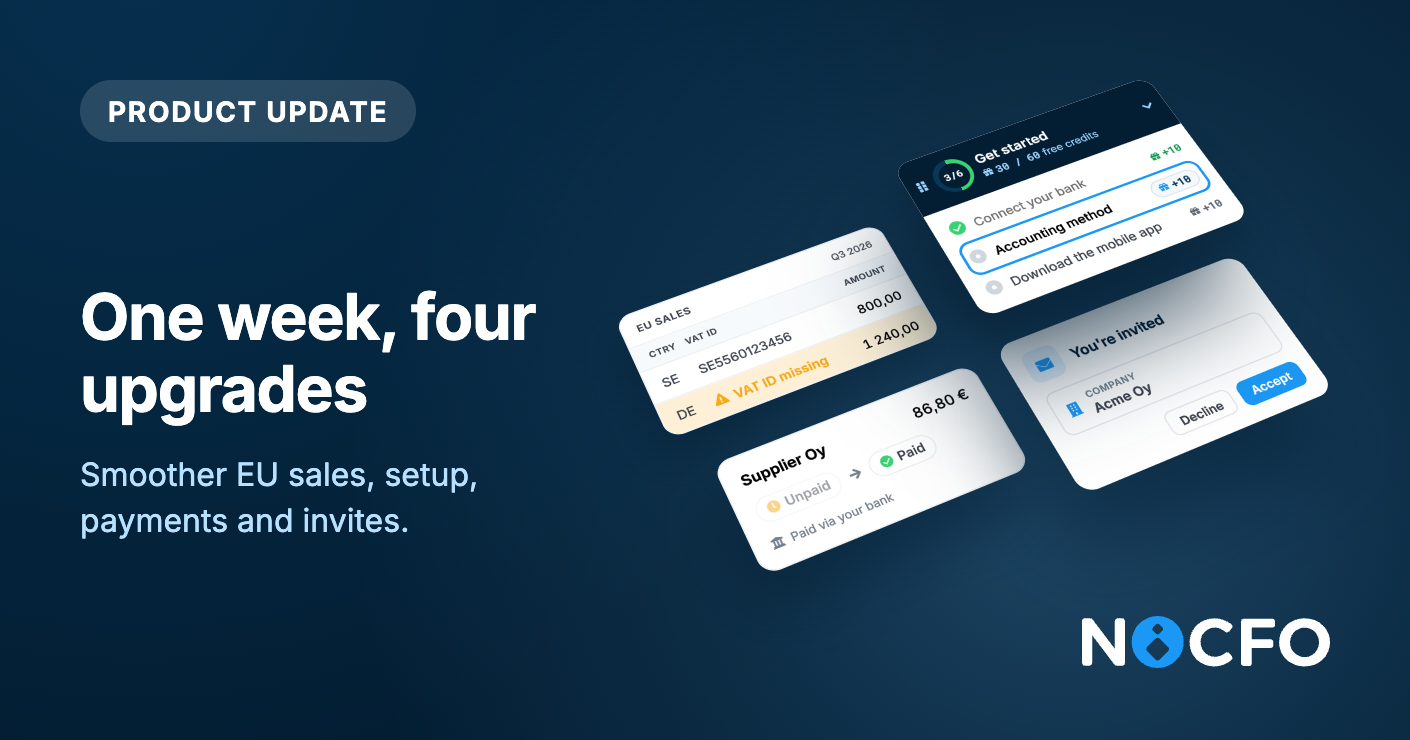
Invite people to just the parts of NoCFO they actually need. A teammate can create invoices without seeing bank transactions, reports, or the rest of the books.

Access is now set per area, and viewing is separate from editing. Here is what that looks like in practice:

Invoicing only: "Create and send invoices, but do not show bank activity or reports."

Accountant: "Handle bookkeeping and files, without invoicing admin or bank connections."

Read-only: "See documents, invoices, and reports, but change nothing."

Custom: mix it yourself. For each area you choose no access, view, or edit. Invoicing, reporting, and bookkeeping also have an admin level for settings in that area.

The areas you can control are invoicing, bookkeeping, reporting, accounts, files, and contacts. You can also grant salaries, integrations (such as connecting a bank), and adding attachments to transactions separately, without full bookkeeping edit rights.

What they cannot access stays out of the way. Menu items they do not have permission for are hidden, dashboard widgets like bank balances stay off, and they land in the first area they are allowed to use.

You manage this in one place: Settings → Users. Invite someone with a preset (Admin, Read-only, Bookkeeping, or Invoicing), or pick Custom and set each row. You can change permissions later for anyone who has already joined.

See it in action →

August 12th, 2026

Improved

The page you land on after logging in used to show a simple grid of cards. It now shows a full table built to help you actually manage your businesses, not just pick one and move on.

A table that shows what matters

Every business gets its own row, and you choose what shows up in it. Columns are grouped into a few categories so you can pick what's relevant to you:

Recommended

  • Automation rate: how much of the bookkeeping in the last 30 days happened through rules

  • Next deadline: your closest upcoming VAT or reporting due date

  • Drafts, documents this month, and documents this accounting period

Invoicing

  • Sales and purchase invoices for the month

  • Unpaid and overdue invoice counts

  • Invoices sent to debt collection

Efficiency

  • Time saved, estimated from how fast you actually work in each business, not a made up average

Banking

  • Number of active bank connections, when they last synced, and which bank each business uses

Luca AI

  • How many documents Luca has created for that business

You can turn columns on or off and the choice is remembered for you, so the table looks the same every time you log back in. Every column can also be sorted, so you can quickly find, say, the businesses with the most overdue invoices or the lowest automation rate.

Filters that tell you what needs attention

On top of the table, you can filter your businesses down to the ones that need a look:

  • VAT due within 7 days

  • Automation below 70%

  • Has overdue invoices

  • Archived businesses (for accounting firms)

Each filter shows a live count, so you know how many businesses match before you even click into the list.

Also shipped this week

Notes on attachments. You can now add and edit free-text notes directly on your attachments on web.

Notification improvements. Comment notifications now show the actual comment content and which business it relates to, and mention notifications were fixed.

Plus many more bug fixes and small improvements!

See it yourself →

August 3rd, 2026

New

Create, send, and track sales invoices from your phone — including contacts, products, and payment status.

Sales invoices now live in the Invoicing tab alongside purchase invoices. You can create a draft, add line items, accept it, and send it without going back to the web.

Here’s what you can do from mobile:

  • Create and send sales invoices by e-invoice, email, or paper

  • Add and edit contacts for invoicing

  • Add and edit products, then pick them onto invoice rows

  • See payment status: draft, accepted, paid, overdue, or in debt collection

Open an invoice anytime to check the PDF, line items, VAT totals, and whether it’s been delivered or paid. Filter the list to focus on what’s still open or past due.

Sales invoicing on mobile is available to everyone today.

→ Download on the App Store

→ Get it on Google Play

July 23rd, 2026

New

Improved

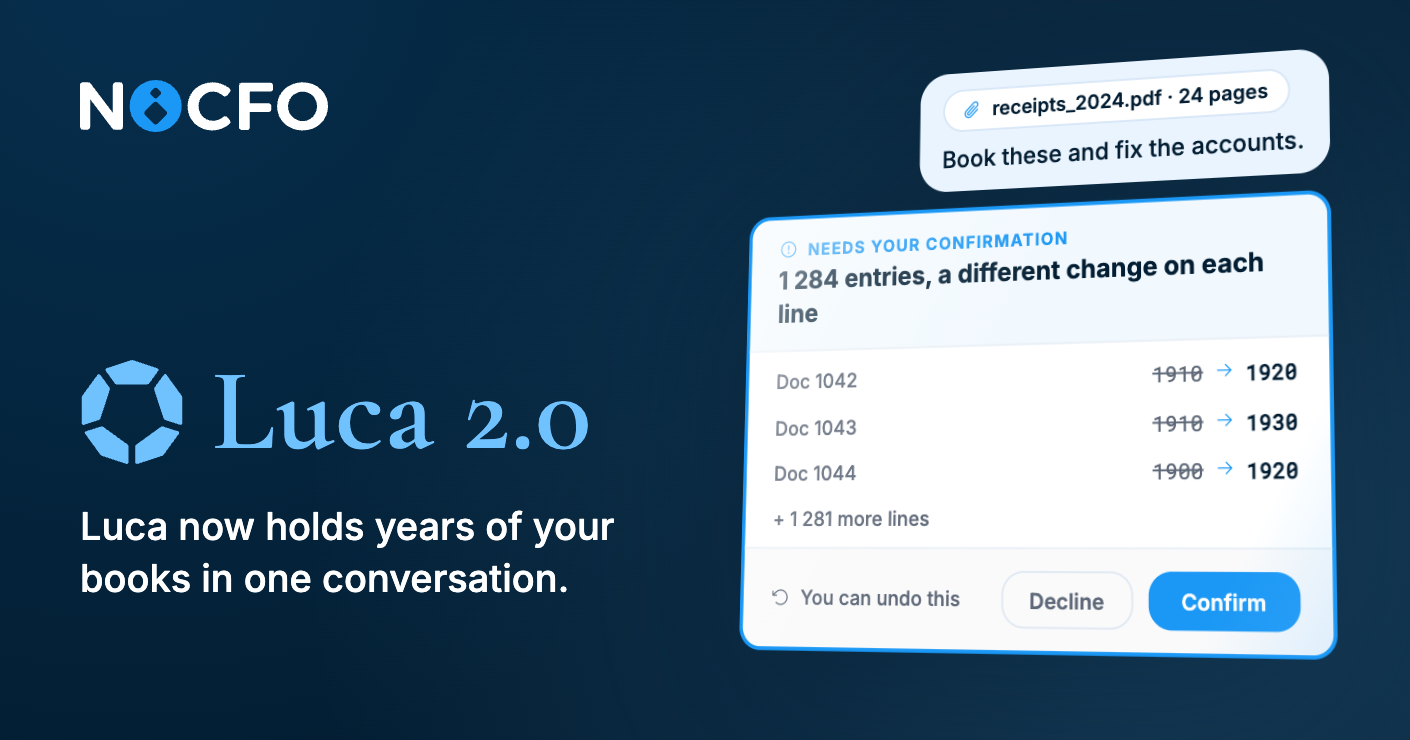
Let Luca take on work across the tools your team already uses, and get to know your business better over time.

You connect the service you want once in Luca settings, and from there you can ask Luca to handle related tasks directly in chat. Luca fetches and processes the data from where it actually lives, instead of you having to jump into another system yourself.

Here are the kinds of requests Luca can handle through connectors:

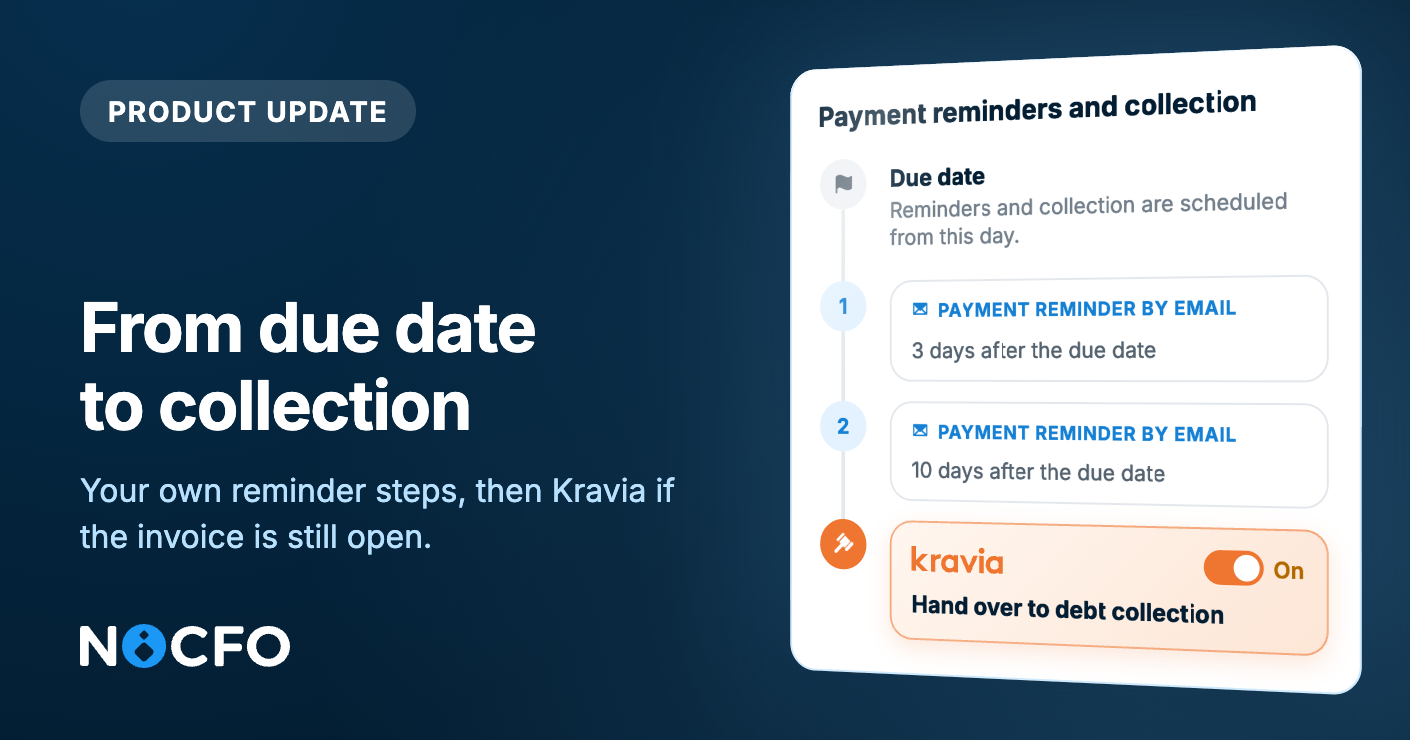
  • Kravia: "Which invoices are overdue in collections?"

  • Stripe: "Reconcile Stripe payouts with the books."

  • Shopify: "List last week's orders that haven't been recorded yet."

Kravia is the first ready-made connector, curated by NoCFO. On top of that, you can connect Stripe, Shopify, or any other MCP server.

You see and manage all connections from one place: which ones are active, what permissions you've granted, and you can disconnect at any time.

Tell Luca what your business does

You can now write a short description of your business in Luca settings: what you do, your industry, and what matters most to you. Luca takes this into account every time it answers, so responses fit your business rather than a generic one.

Luca now has memory

Luca no longer forgets your previous conversation. It remembers your past conversations and the preferences you've told it about, like whether you want short or detailed answers, formal or casual. This way, Luca gradually adapts to how you like to work.

MCP connectors, your business description, and memory are all available to everyone today.

Open Luca settings →

July 7th, 2026

Small changes in the location of the customer support chat inside the application. The customer support chat can now be found in the right upper corner behind the profile picture behind the title “Get help”.

Small changes in the location of the customer support chat inside the application. The customer support chat can now be found in the right upper corner behind the profile picture behind the title “Get help”:

In the customer support chat, only actual humans are replying to your guys request within a one business day.

Our AI Agent Luca will answer faster, and honestly even better to some questions, 24/7. Luca can be also found in the right upper corner.

July 4th, 2026

New

  • Recurring invoices, your way. You can now set recurring invoices to repeat at custom intervals — every 2, 3, or however many months you choose — instead of only monthly.

  • Balance forecast graph, now on mobile. See where your cash flow is headed right from the mobile app.

  • AI document creation is now available to everyone.

  • Accrual linking is now available to everyone.

  • The EU VAT Contact Report is now available to all VAT-obliged businesses.

  • Meet Luca, right from the start. New users now get a friendly introduction from Luca the first time they open the app.

  • Real people, easier to reach. The in-app help chat has moved behind your profile menu, and it's now staffed by real humans, not a bot, answering your questions.

  • See what's new without leaving the app. A new changelog widget shows product updates right inside NoCFO.

Improvements

  • Better, more robust search in documents and invoices.

  • Luca now stays more consistently in your chosen language during conversations.

  • Flex and Business plan feature lists now match the latest plan details across all languages.

Fixes

  • Holvi payments now correctly require invoicing permissions instead of full business admin rights.

  • Holvi attachment syncing now starts as soon as you connect a new Holvi account.

  • Fixed an issue where deleting a file attached to an invoice could return an unexpected error instead of a clear message.

  • New documents no longer show leftover payment method or contact details from the previous one.

  • Clearer error message when a document can't be added to an accounting period.

  • Corrected the pricing text shown for Flex SEPA.